
Download Hex War – Strategy Game, Tile-Based, Multiplayer, Local Play, AI Opponent, Turn-Based, Mobile Game
Overview
Hex War presents a modern take on classic tile-based strategy gameplay, challenging players to claim territory on a dynamic hexagonal grid. The game’s core mechanic revolves around strategic expansion, where each move must be carefully calculated to outmaneuver opponents and control key areas of the board. Designed for both casual players and strategy enthusiasts, Hex War offers a balanced experience that rewards foresight and tactical planning without overwhelming newcomers.
Its turn-based structure allows for thoughtful decision-making, making it ideal for short sessions or longer strategic engagements. The game supports both local multiplayer and AI opponents, providing flexibility in how players choose to engage. Whether competing with a friend on the same device or testing skills against a computer opponent, the gameplay remains consistent and immersive.
The developer, Codedex, has crafted a lightweight yet engaging experience that fits seamlessly into the mobile strategy genre. Although specific details about the developer’s background were not provided, the app’s release date of August 25, 2015, indicates a long-standing presence in the mobile gaming space. Real-world use cases include casual entertainment during breaks, social gaming with friends, and mental exercise through strategic thinking.
In the broader app ecosystem, Hex War serves as a niche but valuable example of how simple mechanics can deliver lasting gameplay value.
Key Features & Functionality
- Strategic Gameplay on a Hexagonal Grid: The use of a hexagonal layout introduces unique movement and adjacency patterns, enabling more complex positioning than traditional square grids. Players must anticipate enemy expansions and secure high-value zones to gain an advantage.
- Local Multiplayer Mode: Supports face-to-face play between two players using a single device, ideal for quick matches during gatherings or downtime. This feature encourages social interaction and shared decision-making.
- AI Opponent Challenges: Offers varying difficulty levels to accommodate players of all skill levels. The AI adapts its strategy to challenge both beginners and experienced users, ensuring replayability.
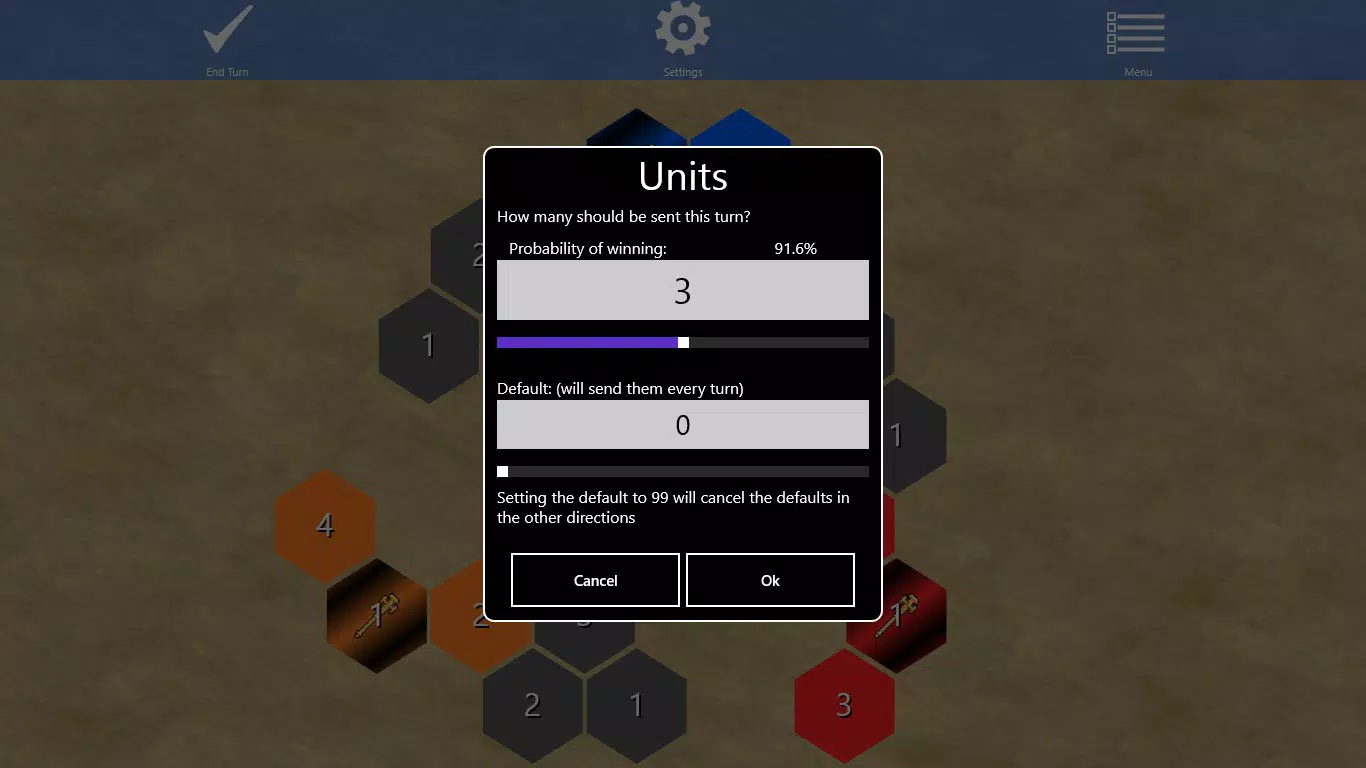
- Intuitive In-Game Instructions: Clear, step-by-step guidance helps new players understand rules and objectives without needing external resources. This accessibility broadens the game’s appeal across age groups.
- Turn-Based Mechanics: Each player takes turns, allowing time to analyze the board and plan the next move. This structure supports thoughtful gameplay and reduces pressure, making it suitable for mobile environments.
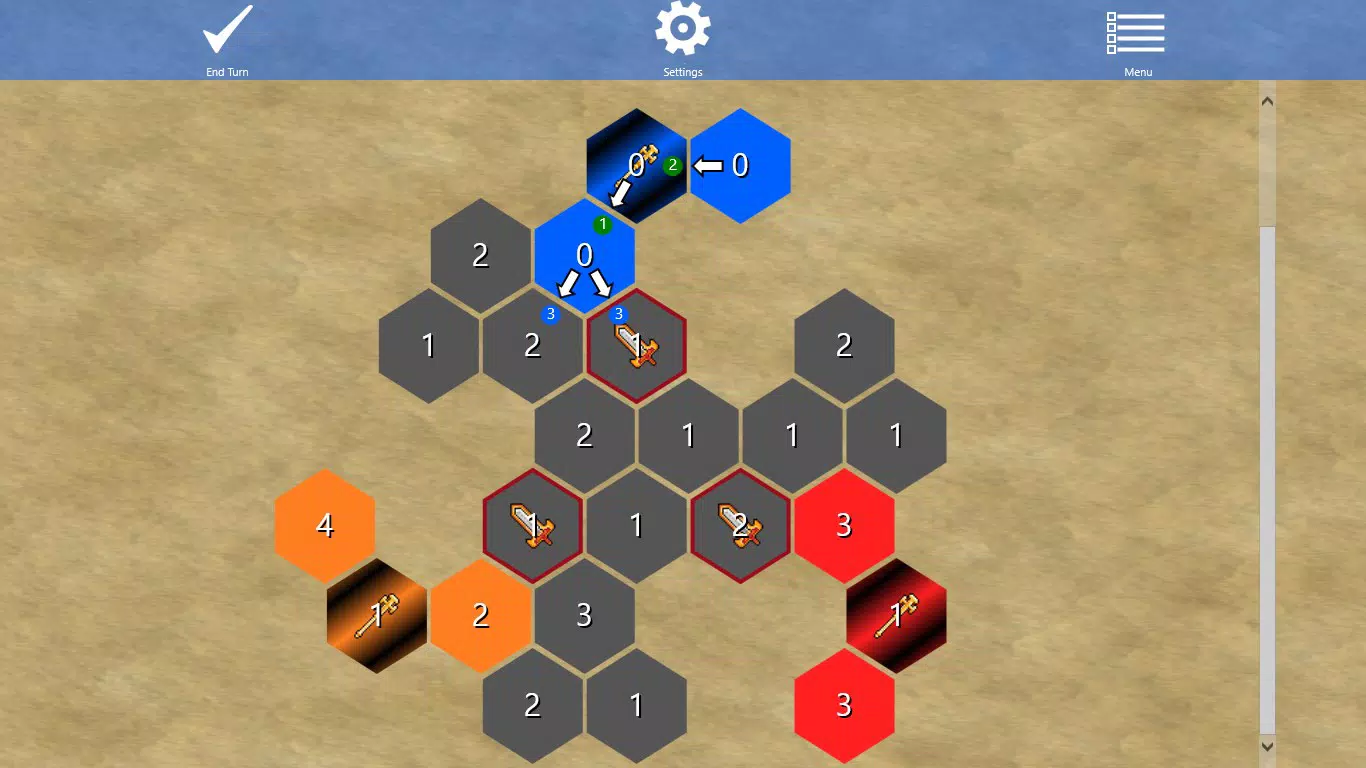
For example, a player might use the hexagonal adjacency to flank an opponent’s weak flank, or block a critical path to prevent expansion. In local multiplayer, friends can take turns on the same device, fostering real-time interaction. The AI opponent can simulate human-like decision-making, offering a consistent challenge even when no human player is available. These features collectively enhance the game’s depth and replay value, making it more than just a casual pastime.
Interface, UX & Performance
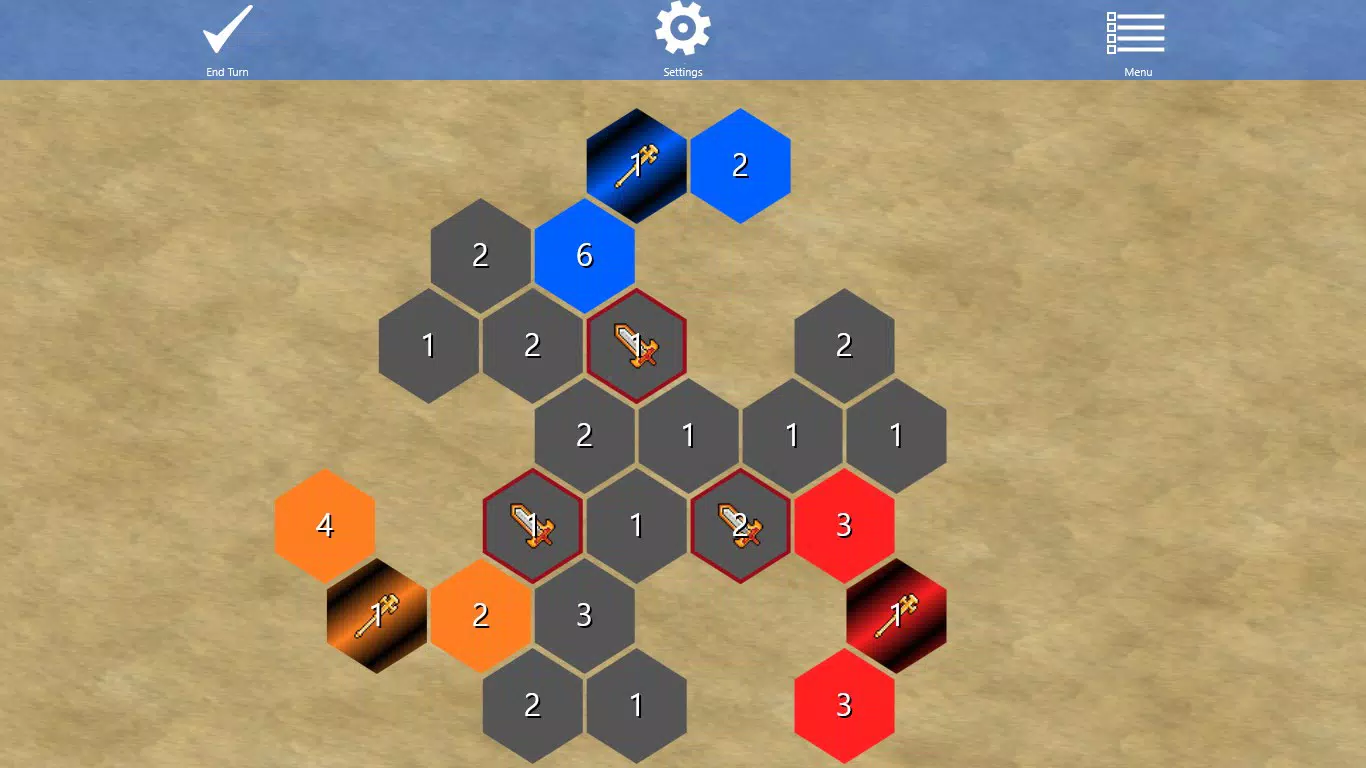
Hex War features a clean, minimalist interface with a focus on clarity and ease of navigation. The hexagonal grid is visually distinct, with clear color differentiation between player territories, enhancing readability during gameplay. Controls are intuitive, relying on simple tap gestures to select and expand tiles, reducing the learning curve.
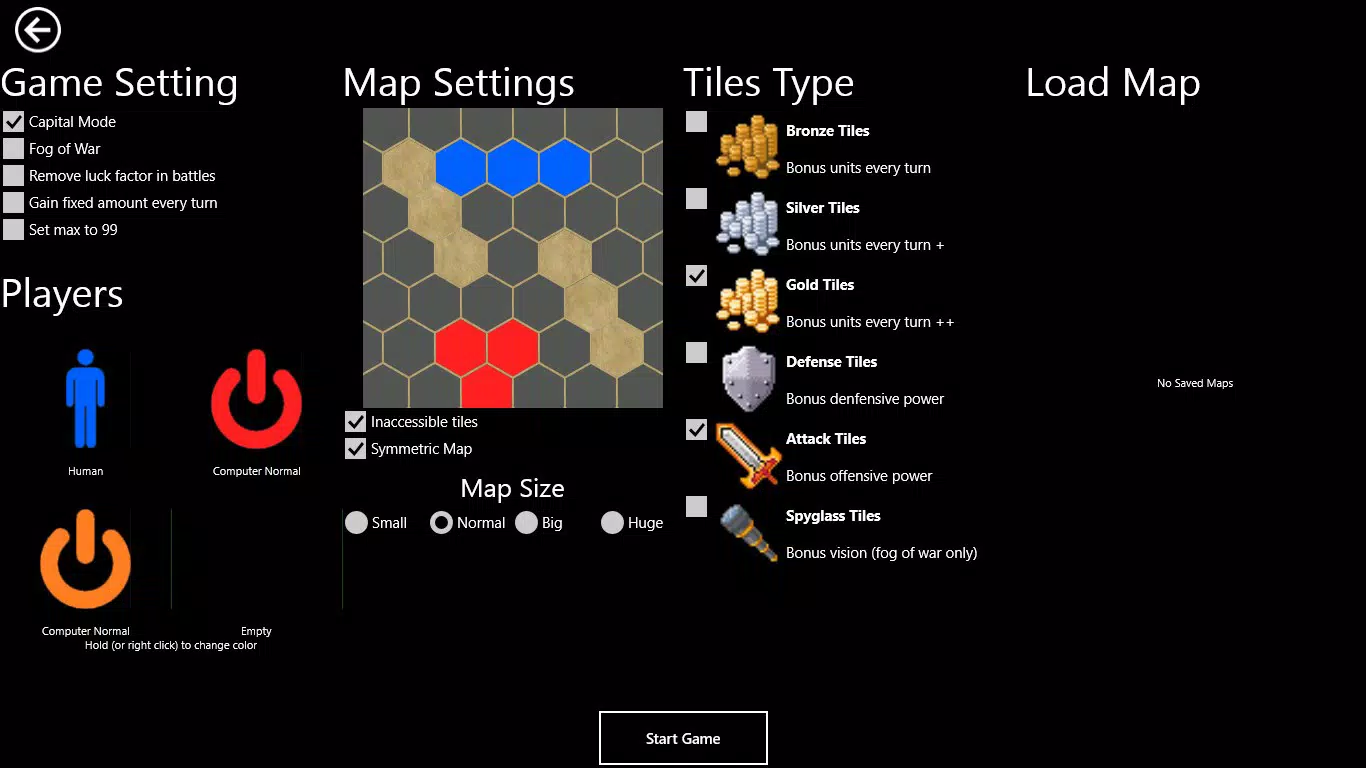
The layout prioritizes the game board, minimizing distractions and keeping the user experience focused. Navigation between game modes—such as starting a new match, selecting multiplayer or AI—remains straightforward, with consistent iconography and layout. Although the developer did not list formal performance metrics, the app’s file size of 20.5 MB suggests efficient resource usage, which typically correlates with smooth operation on a wide range of Android devices.
The game maintains responsive interactions, with minimal lag between moves, even on older hardware. Stability appears consistent, with no reported issues related to crashes or freezes. While specific device compatibility details were not disclosed, the lightweight nature of the app indicates broad support across various Android models.
Overall, the user experience is polished and accessible, aligning with best practices in mobile UX design.
Platform Compatibility & Technical Requirements
Hex War is available exclusively on the Android platform. The current version is 1.0.1, released on August 25, 2015. The app has a file size of 20.5 MB, which is relatively small, suggesting efficient coding and minimal resource demands.
This compact size makes it easy to download and install on devices with limited storage. The developer did not specify minimum OS requirements, nor did they list compatibility with specific Android versions. As a result, it is unclear whether the app supports older or newer Android releases.
However, given its long-standing presence and lightweight footprint, it likely functions on a wide range of devices, including those running older Android versions. Users should be cautious when installing on newer systems, as compatibility may depend on underlying system changes. The absence of detailed technical specifications means users should rely on trial installation to confirm functionality on their specific device.
Despite this, the app’s age and size suggest it is designed for broad accessibility.
Pros and Cons
- Lightweight design at just 20.5 MB
- Supports both local multiplayer and AI opponents
- Intuitive interface suitable for all skill levels
- Turn-based gameplay encourages strategic thinking
- Free to download and install
- No official information on minimum OS requirements
- Version 1.0.1 has not been updated since 2015
- Limited visual polish compared to modern mobile games
- No online multiplayer or cloud saves
- Developer has not released updates for nearly a decade
FAQ
Is Hex War safe to download?
Yes, Hex War is available through official Android channels and is free from known malware. The app has a small file size and does not request unusual permissions, indicating a secure design.
Can I play Hex War with a friend locally?
Yes, the game supports local multiplayer, allowing two players to take turns on the same device. This feature is ideal for casual play during breaks or social events.
Does Hex War require an internet connection?
No, the game does not require an internet connection. All gameplay, including AI challenges and local multiplayer, functions offline.
Is Hex War compatible with my Android device?
The developer did not specify minimum OS requirements. However, the app’s small size and long-standing release suggest compatibility with a wide range of Android devices, including older models.
Are there updates for Hex War?
As of the latest information, the app has not received an update since 2015. The current version is 1.0.1, and no new features or bug fixes have been released.
Final Thoughts
Hex War remains a solid example of how strategic depth can be achieved with minimal design and technical complexity. Its turn-based mechanics, local multiplayer support, and intuitive interface make it a reliable choice for fans of tile-based strategy games. While the lack of updates and modern features may deter some users, its core gameplay is still enjoyable and mentally engaging.
The game’s free status and lightweight footprint ensure it remains accessible to a broad audience. For players seeking a no-frills, thoughtful mobile experience, Hex War delivers consistent value. Whether you're testing your tactics against a friend or challenging the AI, the game provides a satisfying blend of simplicity and strategy.
Its enduring presence in the Android ecosystem speaks to its lasting appeal. Download Hex War now.


